ChabadLabs AI FOR SHLICHUS
Issue № 05 · The Weekly

Chabad Labs Weekly.

The AI for Shlichus Wiki is here

Issue № 05 Date JUL 22, 2026 Read 4 min In this issue The Wiki is here · Dvar Malchus · Canva Code 2.0 · Free AI for teachers · Teach your AI your voice · Upcoming webinar
01 / Fresh from the Lab

The AI for Shlichus Wiki Is Here

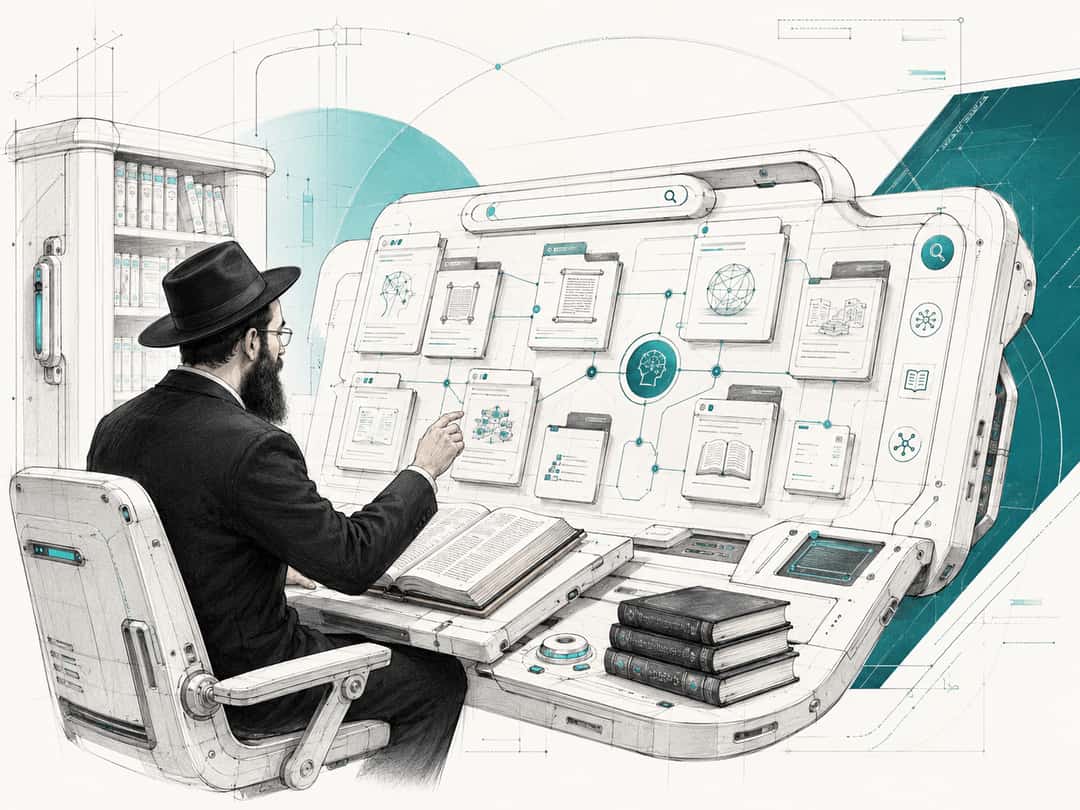
A bearded shliach in a hat at a large touchscreen of document cards linked to a central AI node, a shelf of seforim beside him, illustrating a searchable community wiki.

The new AI for Shlichus Wiki brings months of collective knowledge from the AI for Shlichus WhatsApp group into one place. (For Shluchos there's a separate group)

It is packed with tools shluchim have tested, workflows they have built, questions they have worked through, and lessons learned from using AI in real shlichus work.

Rather than starting from scratch, you can search the Wiki and build on the experience of hundreds of shluchim who have already experimented, solved problems, and shared what works.

Before asking the group or trying to figure something out yourself, search the Wiki. There is a good chance another shliach has already worked through the same question.

The Wiki is a goldmine!

Explore the Wiki
02 / Dvar Malchus

Why AI Was Revealed Now

די כוונה אין דער התפתחות אין חכמות העולם איז בכדי מען זאָל זיי נוצן “לעבודת ה׳ או לתורתו”, ובפרט – צו מפיץ זיין די מעינות פון פנימיות התורה (וועלכע זיינען נתגלה געוואָרן אין זעלבן זמן), וואָס דאָס – די הפצת המעינות, ובפרט ווען די הפצה איז דורך די ענינים פון חכמות העולם וועלכע זיינען נתגלה געוואָרן בזמן האחרון – איז אַ הכנה און כלי צו “ונגלה כבוד הוי׳ וראו כל בשר גו׳” וואָס וועט זיין בגאולה האמיתית והשלימה ע״י משיח צדקנו

שיחת ד׳ מ״ח אור לועש״ק פ׳ נח תשל״ז - לקו״ש חל״ה ע׳ 240

03 / Top AI News & Trends

Canva Code 2.0 Is Now Available to Everyone

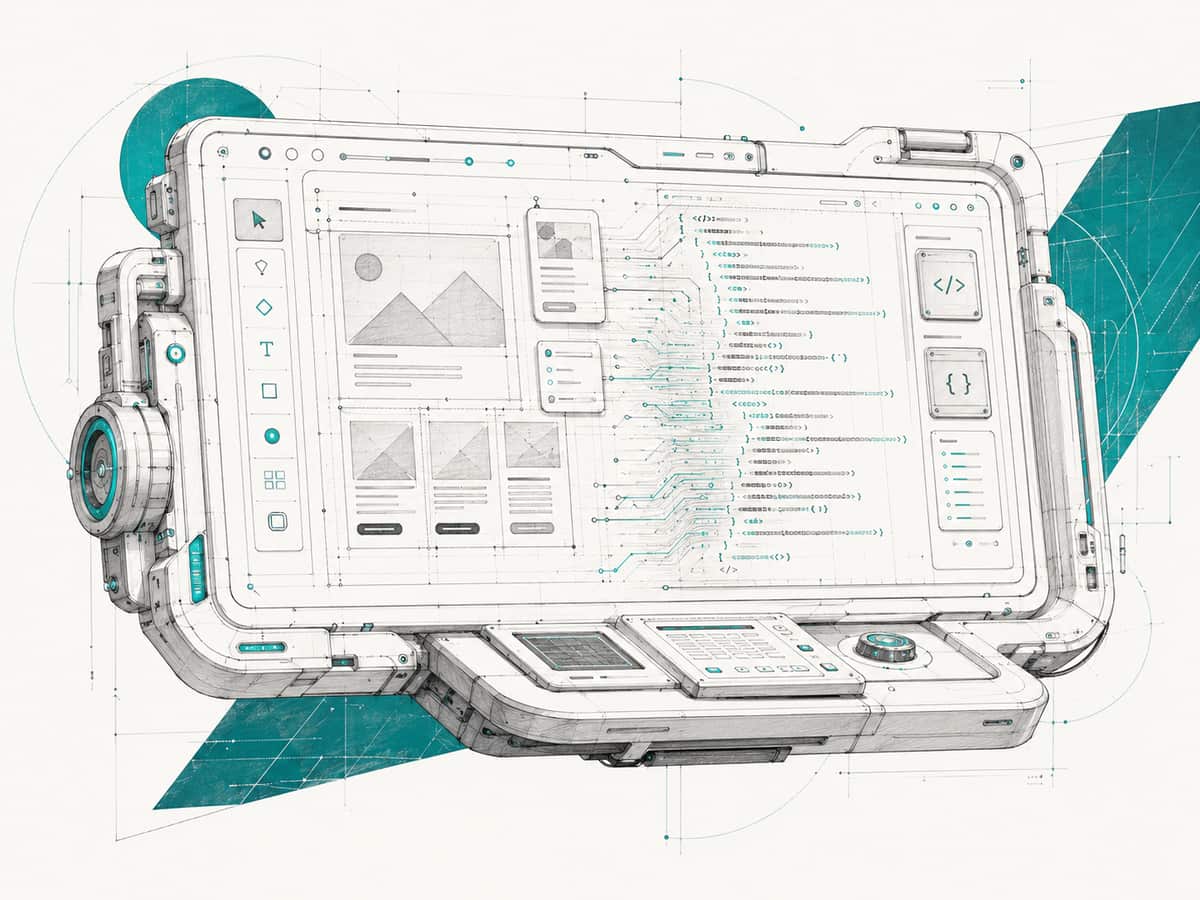
A tablet showing a website builder, with a page wireframe of image and text blocks on the left and lines of code on the right, and design tools down the side.

Canva Code already let you create quizzes, calculators and other interactive designs from a prompt. Canva Code 2.0 goes much further.

You can now build complete websites and mini apps, then edit the text, images, colours and fonts yourself inside Canva, instead of repeatedly asking the AI to make changes. You can also import an HTML page created in Claude, ChatGPT or another coding tool and continue working on it in Canva.

Try Canva Code 2.0
04 / Top AI News & Trends

Free ChatGPT and Claude for U.S. Teachers

A bearded shliach in a hat writing in a notebook, surrounded by floating panels of a book, a calendar, a checklist and a question-and-answer card linked to a small AI assistant.

Claude has joined ChatGPT in offering a free version for verified U.S. K-12 educators.

ChatGPT for Teachers gives teachers a free school version of ChatGPT, with a secure workspace designed for classroom materials and student information.

Claude for Teachers includes Claude Pro-level access, Claude Code and Cowork, along with teaching tools connected to academic standards across all 50 states.

For shluchim involved in U.S. schools, both are worth claiming.

05 / One Thing to Try

Teach Your AI How You Talk

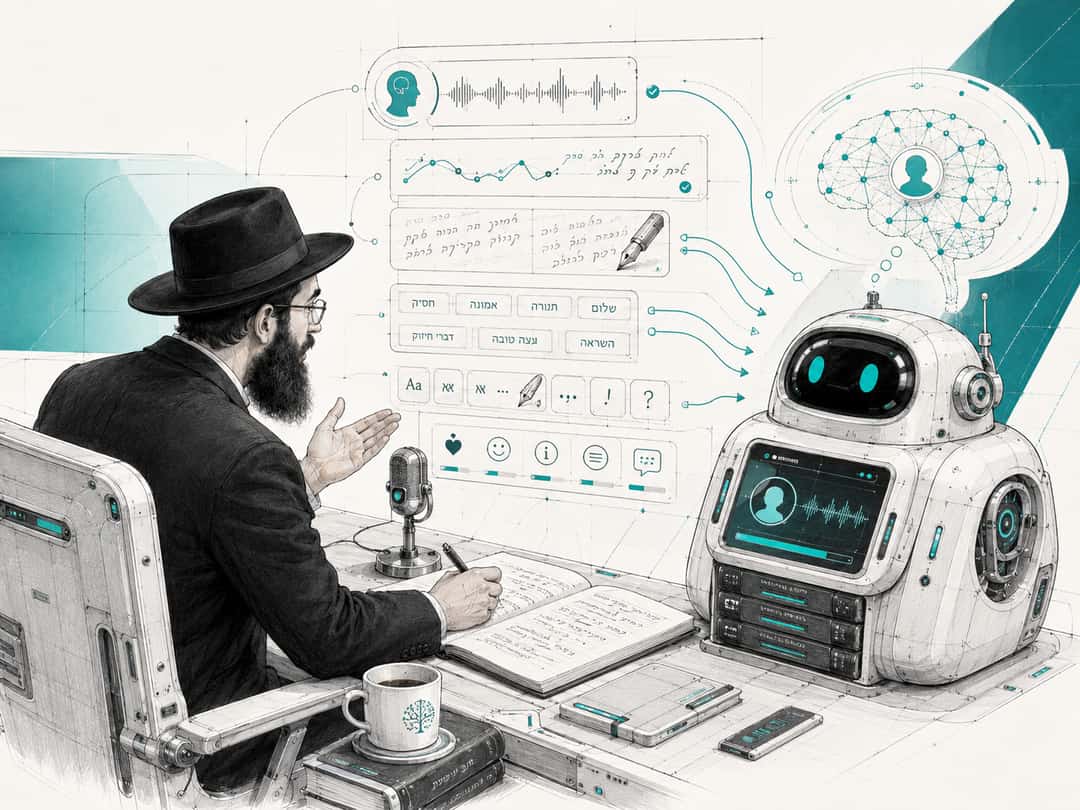
A bearded shliach in a hat speaking into a desk microphone while a friendly robot listens, with panels of voice waveforms, Hebrew tone words and text-formatting controls.

Telling AI to sound "warm, engaging and personal" will not make it sound like you.

The How We Talk file tells it who you write for, the words you use, the words you avoid, and what your writing actually sounds like.

Complete the file, add it to your writing project or AI agent, and update it whenever the AI gets your voice wrong.

Download the How We Talk template
06 / Upcoming Webinar

Supercharge Your AI with Connectors and Plugins

How to make ChatGPT and Claude more useful with the tools, sources, and instructions you already use.

Sunday, 12 Av / July 26, 1 PM ET.

Register for the webinar