Free ChatGPT just got much better, ChatGPT for teens, and a better way to use AI as a second pair of eyes
דורכן נוצן די חכמות העולם אויף הפצת פּנימיות התורה איז דאָ אַ מעין פון: (א) ״מלאה הארץ דעה את ה׳ גו׳״ – אָן קיינע הגבלות, בכל מקום ומקום. (ב) אין אַן אופן פון ״וראו כל בשר גו׳״ – דער קול ווערט געהערט בגשמיות באותו רגע ממש.
לקוטי שיחות חלק טו נח-ב

If you use ChatGPT without paying, it just got a serious upgrade.
OpenAI has made its newer GPT-5.6 Luna model the default for free accounts and removed the message cap on regular text conversations. You can now chat as much as you want. Limits still apply to file uploads, images and other tools.
There is also a new Think button. Press it on a harder question and ChatGPT takes more time to work through the answer before responding.
OpenAI says that in its internal tests, answers containing factual mistakes were about 62% less common with GPT-5.6 Luna than with GPT-5.5 Instant, which was previously the default ChatGPT model, including for free users.
For everyday writing, thinking and problem-solving, the free version has become a much more capable tool.
That being said, we still strongly recommend a paid plan if you use ChatGPT regularly. Paid users get access to the more capable GPT-5.6 Sol and fuller access to ChatGPT’s models and tools.
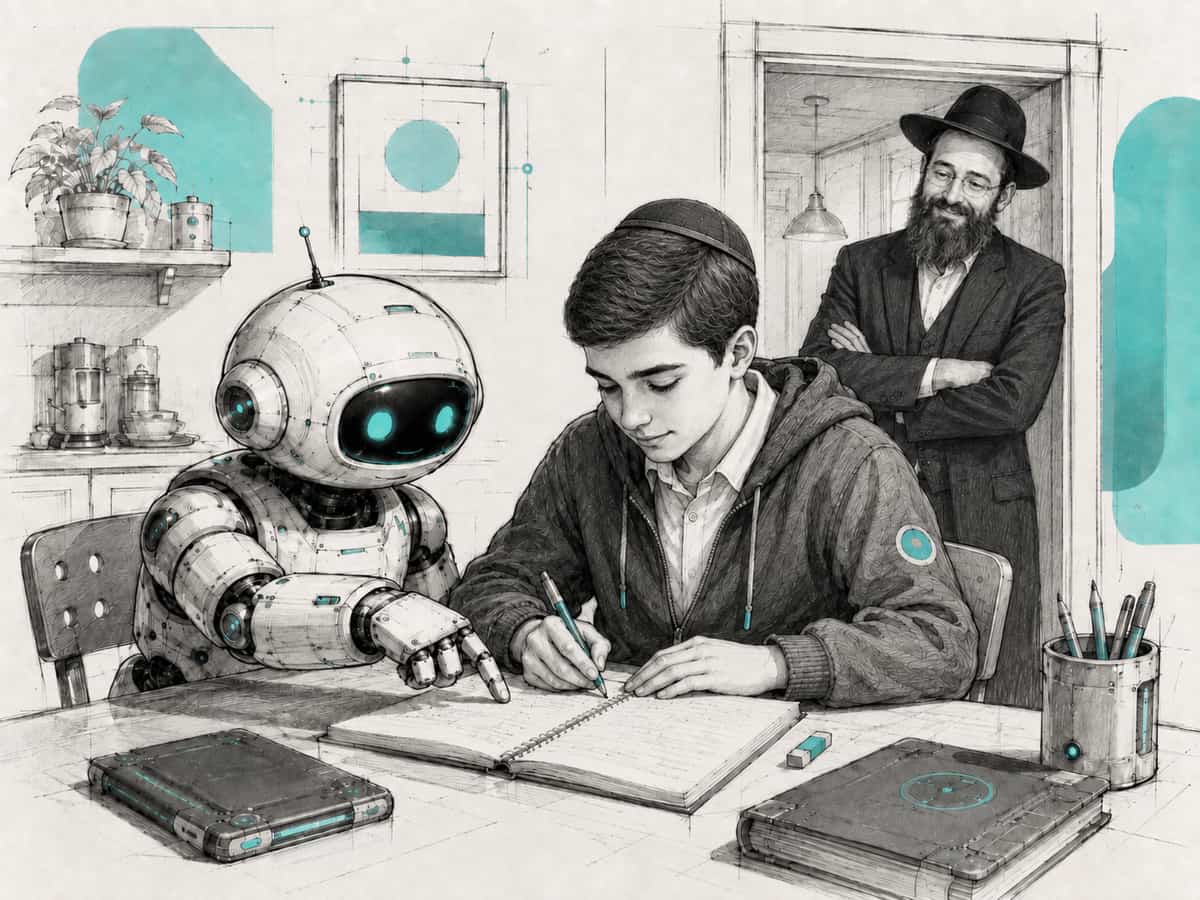
ChatGPT now has a different experience for users under 18. Teens who give their age are placed into it automatically, and ChatGPT can also use age prediction to identify accounts that may belong to someone under 18.
It is built with stronger protections for younger users, particularly around sensitive content and interactions. OpenAI is also putting more emphasis on using ChatGPT for learning and working through problems, rather than simply getting the answer.
There is nothing to sign up for. The teen experience started rolling out yesterday and turns on by itself, on free and paid accounts alike. If it has not appeared on a teen’s account yet, it should over the coming weeks.
Parents can link their own account to manage certain settings, set quiet hours and receive safety notifications in limited situations. They cannot read their teen’s chats. To link accounts, open ChatGPT on the web and go to Settings, then Parental controls, then Add family member, and send the invite to your teen by phone number or email.
For anyone with teenage kids, working with teenagers, or fielding questions from parents about kids using AI, this is worth knowing about.

Before you ask AI to make something for you, give it something you already made.
An event message. A flyer. A class plan. A donor email. An article.
Then, instead of asking for a rewrite, ask for a review.
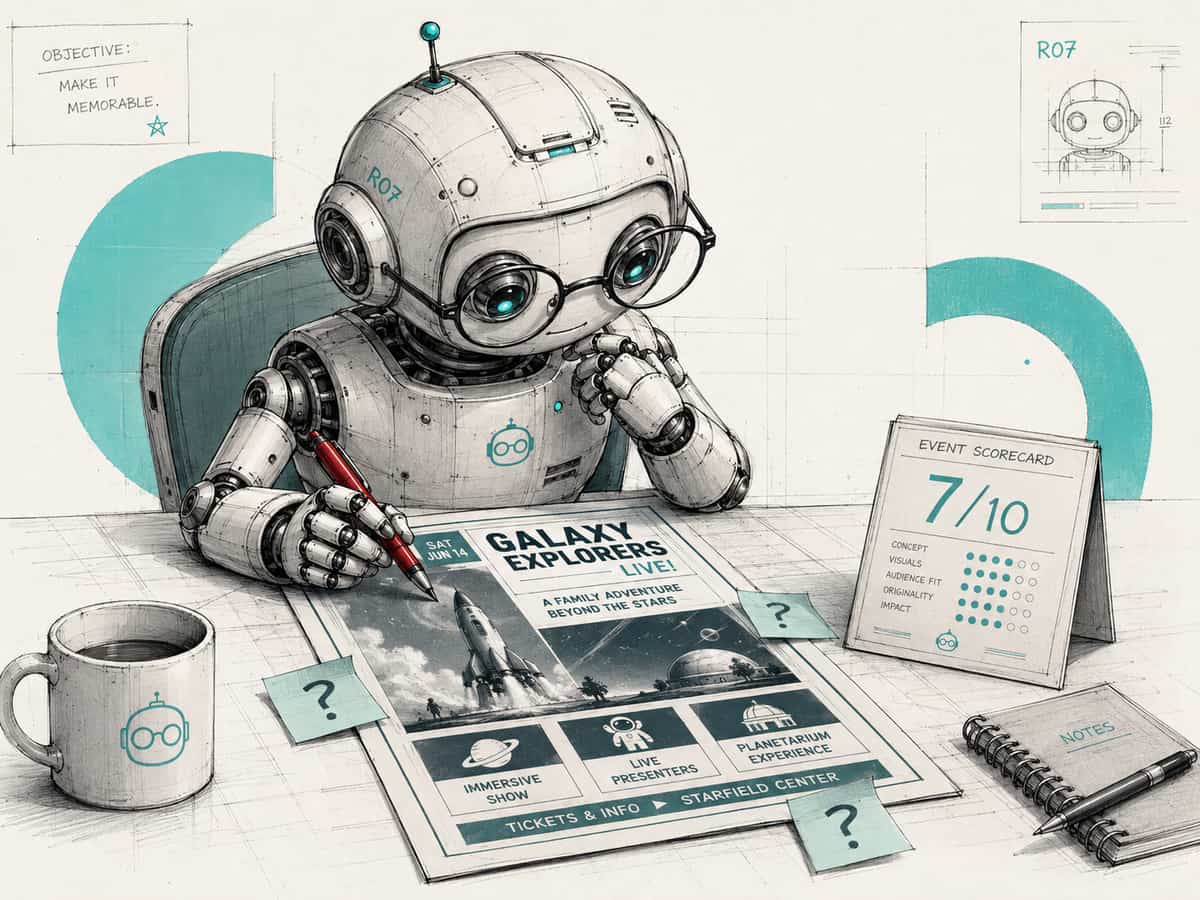
You can choose what kind of second pair of eyes you want.
Ask AI to read it as the person receiving it: a parent, donor or event attendee. That helps you see what is unclear, what questions they may still have, and what could stop them from responding.
Act as the person receiving this, for example a parent, a donor or an event attendee. Do not rewrite it yet. Rate it out of 10. Tell me what is unclear, missing, confusing, or likely to stop you from responding, and what questions you would still have.
Or ask it to review it as an expert in that area. That helps you spot weaknesses, mistakes or things you may have missed.
Act as an expert in this area. Do not rewrite it yet. Rate it out of 10. Tell me what is weak, inaccurate, incomplete, or could be improved, and the most important changes I should consider.
Then decide which feedback is actually worth taking and improve the piece yourself.
The first AI draft is not always where AI is most useful. Sometimes the better use is getting another set of eyes on work you have already started.