A new way to learn Rambam, an AI doctor on video calls, and a surprise in AI images

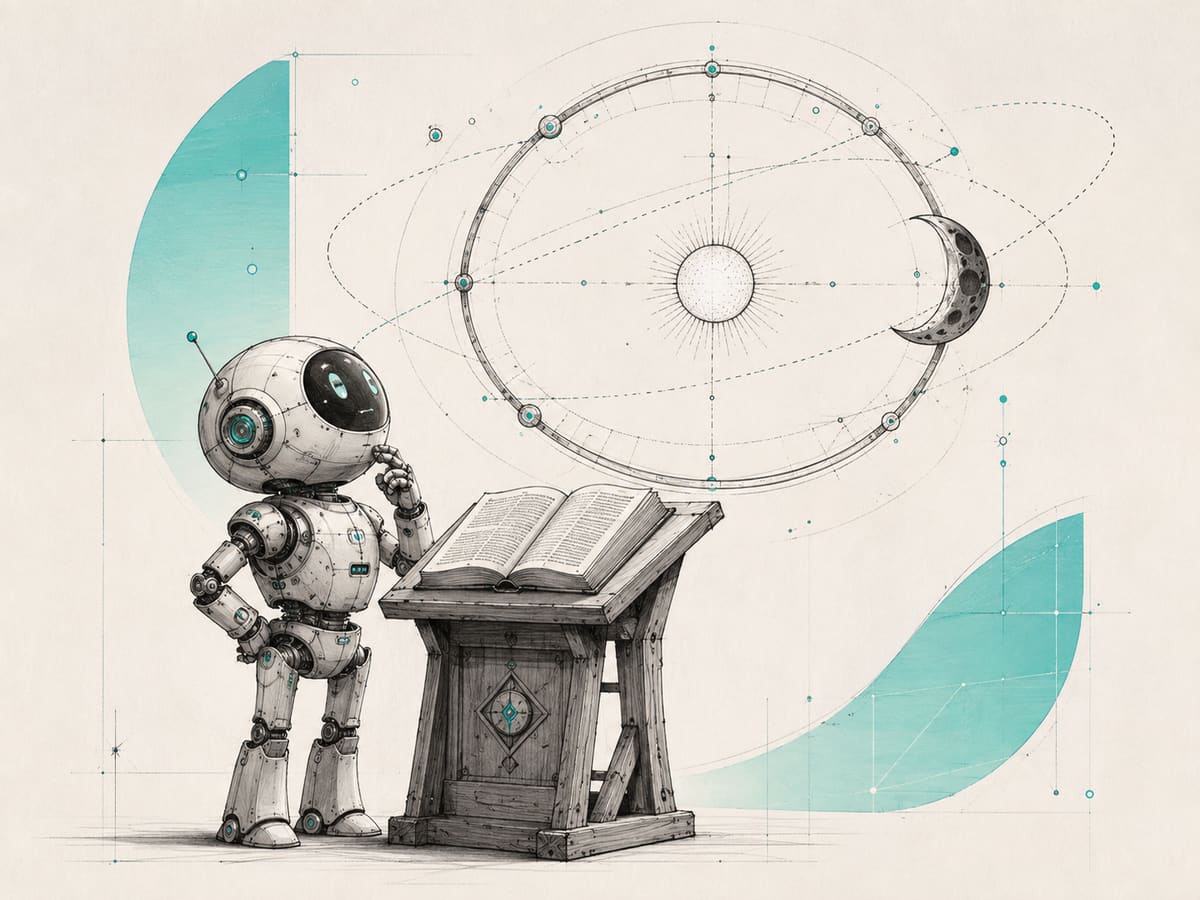
Kiddush HaChodesh is one of the most challenging sections in Rambam. Chabad Labs has ported some of the classic props of the famous Rabbi Losh into a 3D model.
Walk through all the calculations, drill down and scroll through different scenarios, while also linking back to the actual Rambam text.
Ternary celestial calculations and astronomical mathematics have never been easier!
(And make sure to click around, there's a lot in there...)
Open the Kiddush HaChodesh Model →די אמיתית הכוונה פון זייער התפתחות איז, ווען מ׳נוצט די חכמות העולם עצמן פאר אן ענין פון תומ״צ; און נאכמער: וויבאלד דער זהר איז מקשר זייער התפתחות מיט דעם זמן התגלות פון פנימיות התורה, דארף מען זאגן, אז דער עיקר המכוון איז צו נוצן זיי פאר דער התגלות און הפצה פון פנימיות התורה.
לקוטי שיחות חלק טו נח-ב

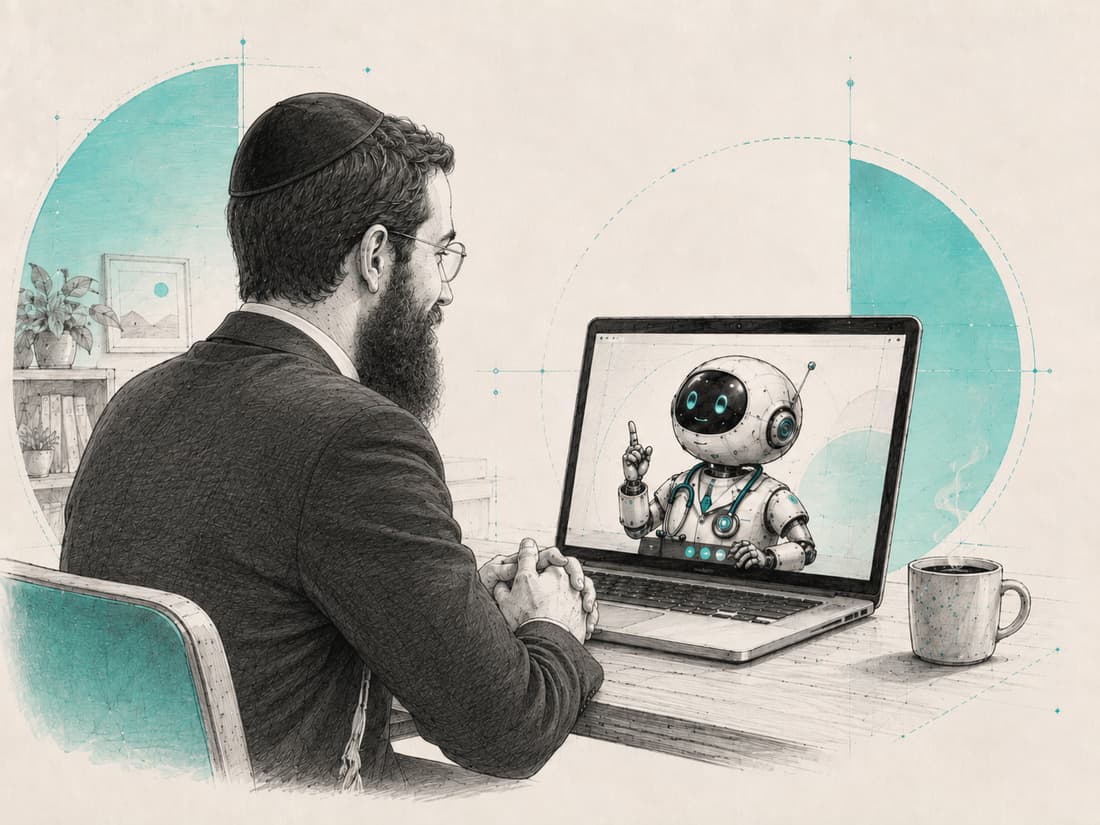
In recent tests of a new medical technology, Google demonstrated an AI "doctor" that can hold a live video consultation with a patient.
It can listen to what the patient says, watch them over video, guide them through parts of an examination, and suggest what might be wrong.
In tests using simulated patients, medical experts rated the AI highly compared with real primary-care doctors.

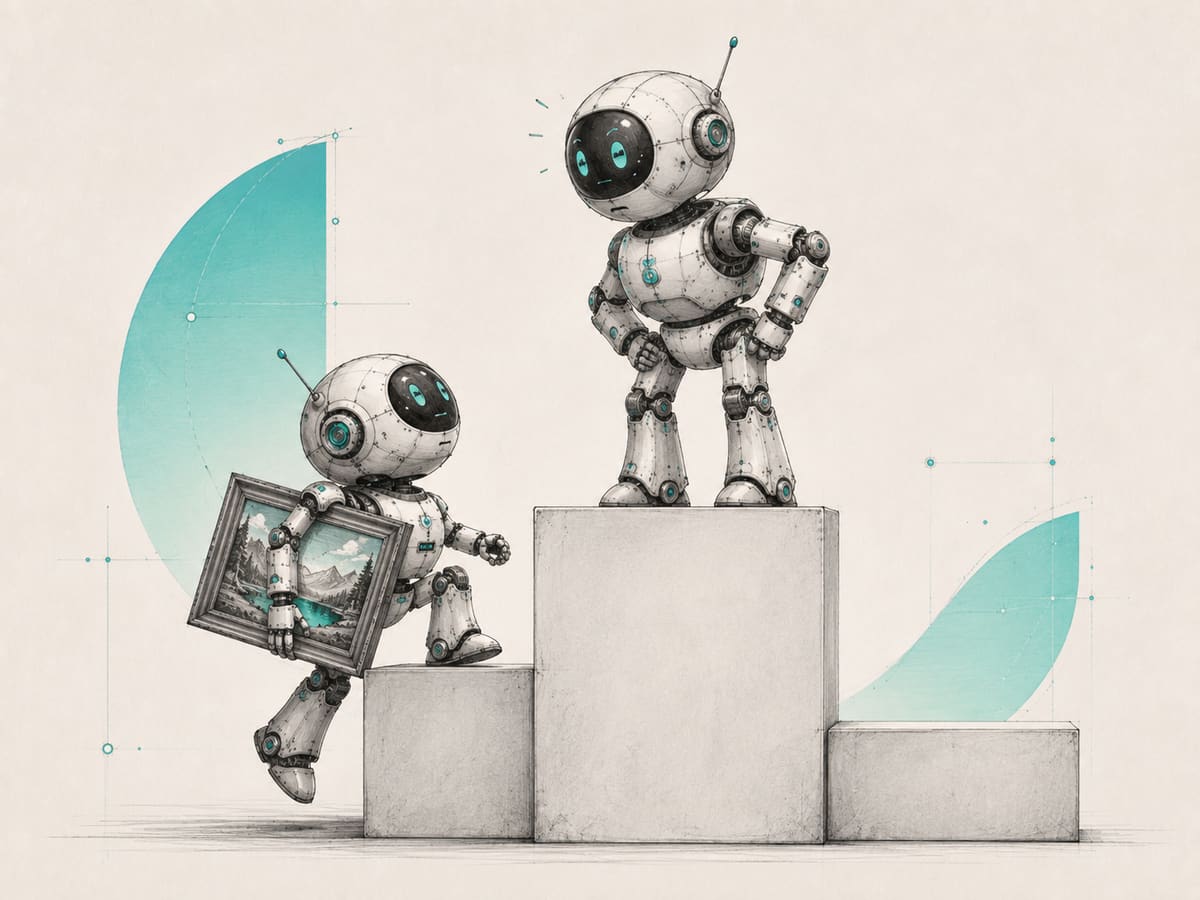
Microsoft, which has been quietly improving its own AI models in recent months, has released a new image model that is being very well received, reaching #2 on the LMArena leaderboard, which ranks AI models by blind human votes.
The model focuses on fixing some of the most common weaknesses in AI image generation, including rendering readable text inside images and producing more realistic people and professional-looking visuals.

Create an ad with ChatGPT. Now you might want to make some changes.
You can keep prompting, but that gets frustrating when you want one small change. You ask ChatGPT to change the date or move something, and it generates the whole image again, sometimes changing other things you wanted to keep, or making the image quality worse.
If only you could edit the ad the way you do in Canva.
Well, you can. Once you have a design you like, use the Canva plugin in ChatGPT and say the line below.
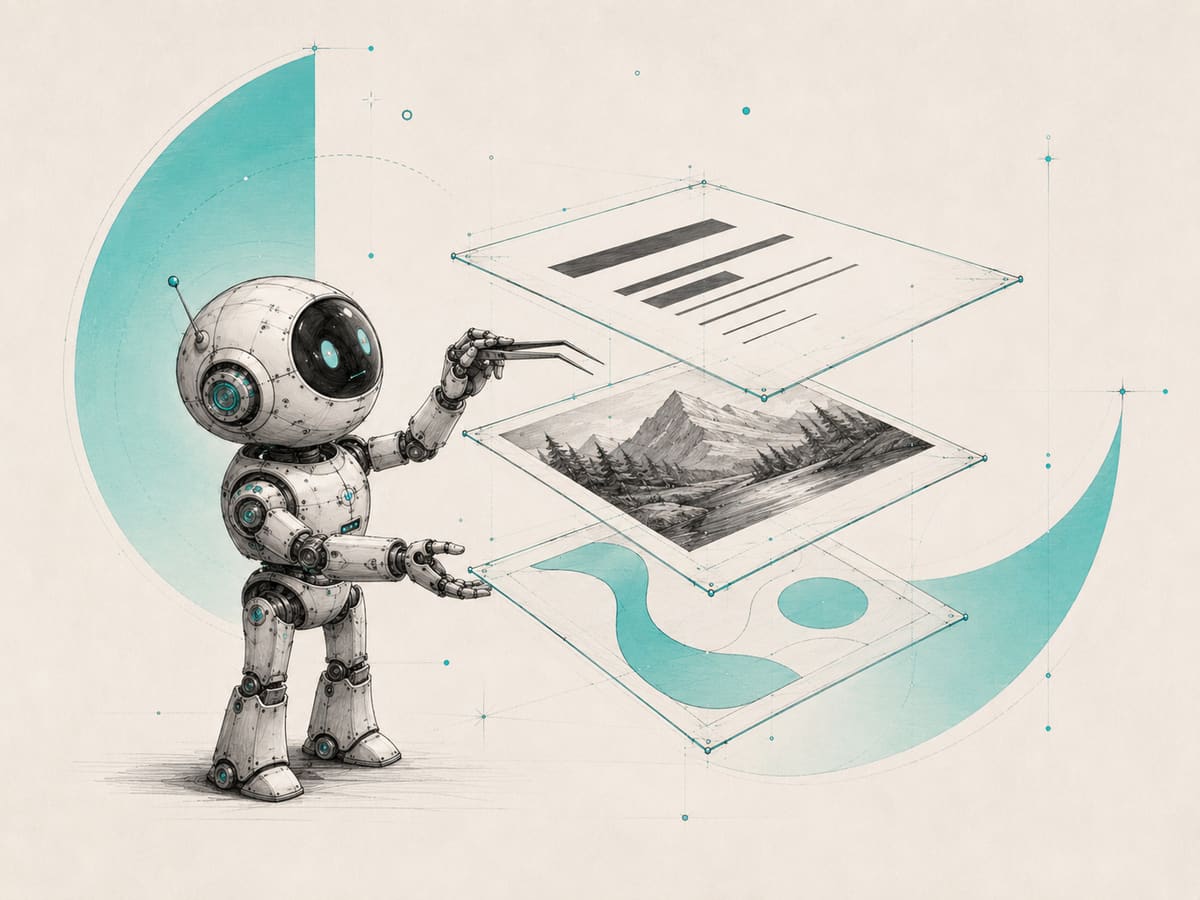
Canva will turn the flat image into editable layers. You can change the text, move things around, remove elements, add new ones, adjust colours and finish the design yourself in Canva.
So use ChatGPT to get the design right. Then use Canva for the final tweaks.
Turn this into an editable Canva design.